Buying guide
How to Choose a Robot Vacuum: The Four Decisions That Actually Matter
Skip the suction Pa arms race. Match a robot vacuum to your floors, your mopping needs, your dock tolerance, and your pets.
Updated November 17, 2026 · Based on 18 sources · How we research
Most shoppers get sucked into a spec war the moment they open a product page. 10,000 Pa or 25,000 Pa? LiDAR or AI vision? Hot water dock or cold? The spec that sells the robot is rarely the spec that decides whether you keep running it a year from now. The decisions that separate robots you use from robots that end up in a closet are more practical: what your floors are made of, whether you actually want mopping, how much dock maintenance you will tolerate, and whether you have pets whose hair wraps around a brushroll. This guide walks each of those in turn, then matches a price tier to the answer. If you leave with one idea, let it be this: buy the robot that fits your floors, not the one with the biggest number on the box.
Start with your floors, not with the suction number
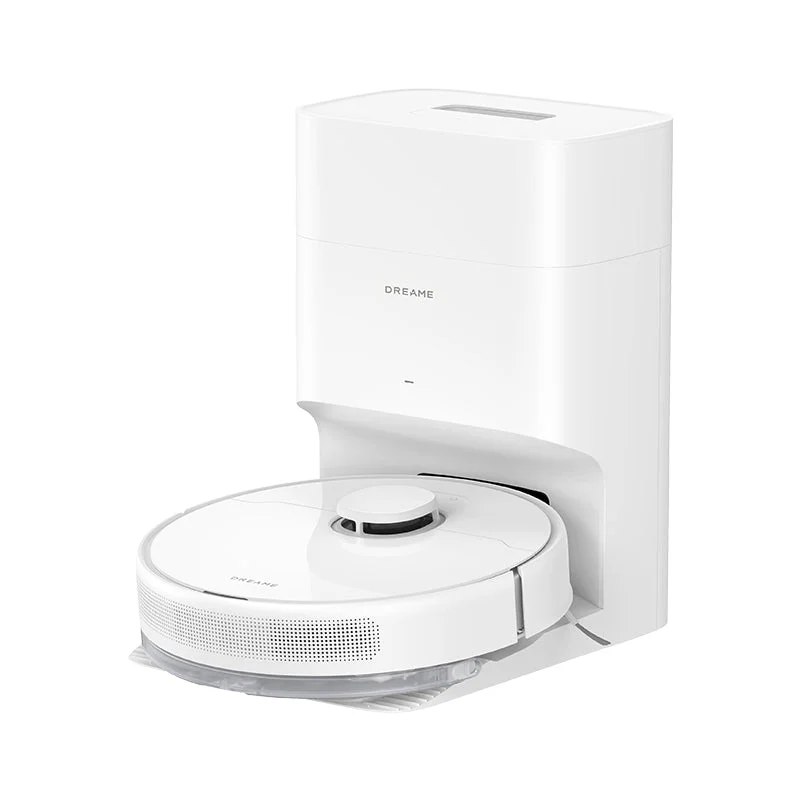
A robot vacuum is a chassis with wheels, a brushroll, and a suction path. How well that path lifts debris depends on what is under it. Hard floors are the forgiving case: on smooth tile or hardwood, even a sub-$300 LiDAR model like the Dreame D10 Plus Gen 2 with 6,000 Pa handles crumbs, hair, and dust on a once-daily schedule. The gap between $280 and $1,700 on hard floors is mostly in how little you have to think about the machine, not in what it picks up.
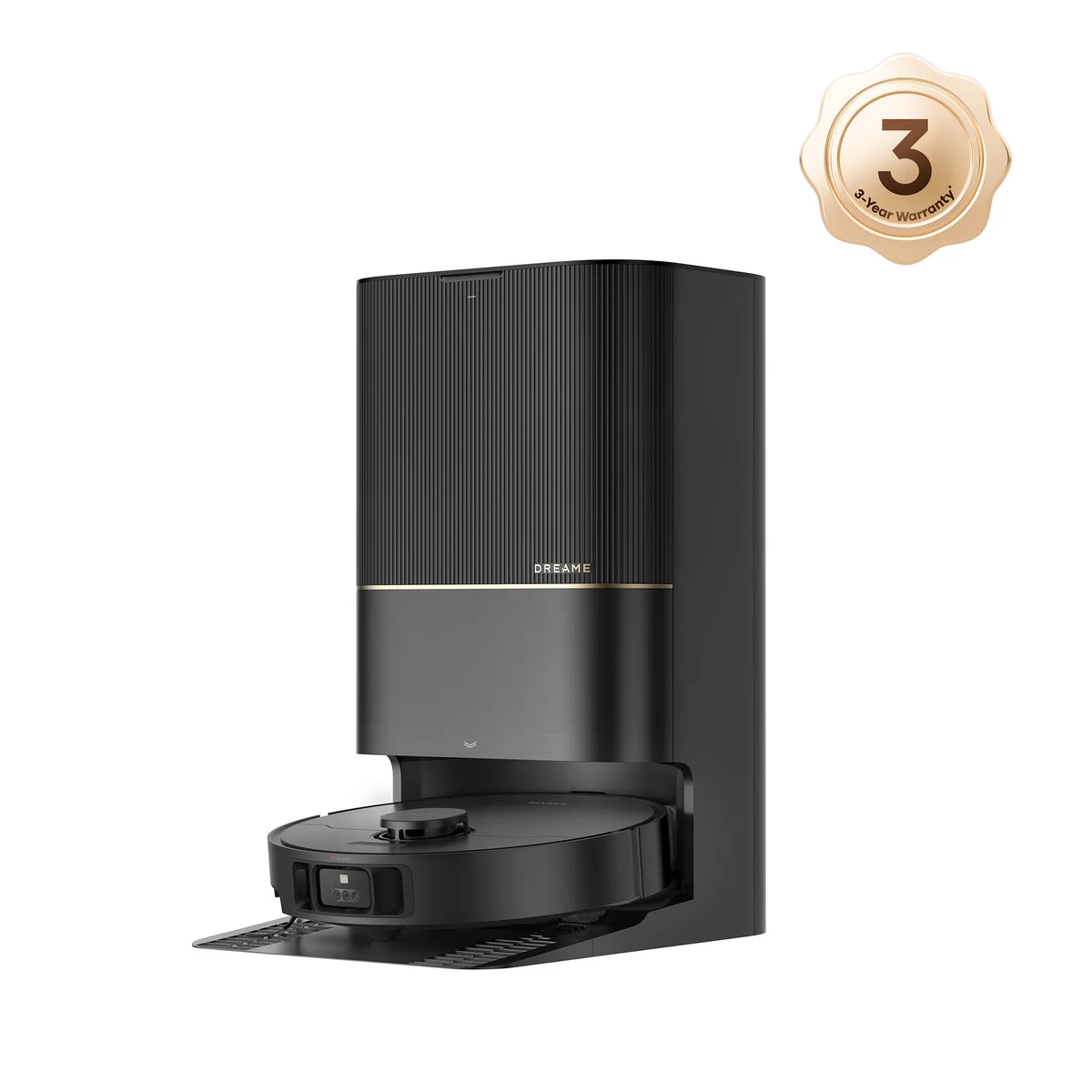
Carpet is where the price tag starts to matter. Robotin puts its thresholds at 8,000 Pa for medium pile (roughly half to three-quarter inch) paired with an anti-tangle roller, and at least 15,000 Pa for thick or high pile around an inch, while Robot Vac Hub pegs 5,000 Pa as the minimum for high-pile rugs. By those measures, the Roborock S8 MaxV Ultra at 10,000 Pa and the Dreame X40 Ultra at 12,000 Pa clear the lower bar with headroom, while the Dreame L40 Ultra Gen 2 at 25,000 Pa and Roborock Qrevo 2 Pro at 20,000 Pa push past Robotin's higher threshold for genuinely thick pile.
The other thing carpet asks for is a brushroll that does not stall. A high Pa number looks good on a spec sheet; it looks less impressive if the brushroll stops turning because long pet hair has wrapped it. That is a brush-design problem, not a suction problem, and no amount of extra suction compensates for a tangled roller.
Do you actually want mopping, or just the idea of it?
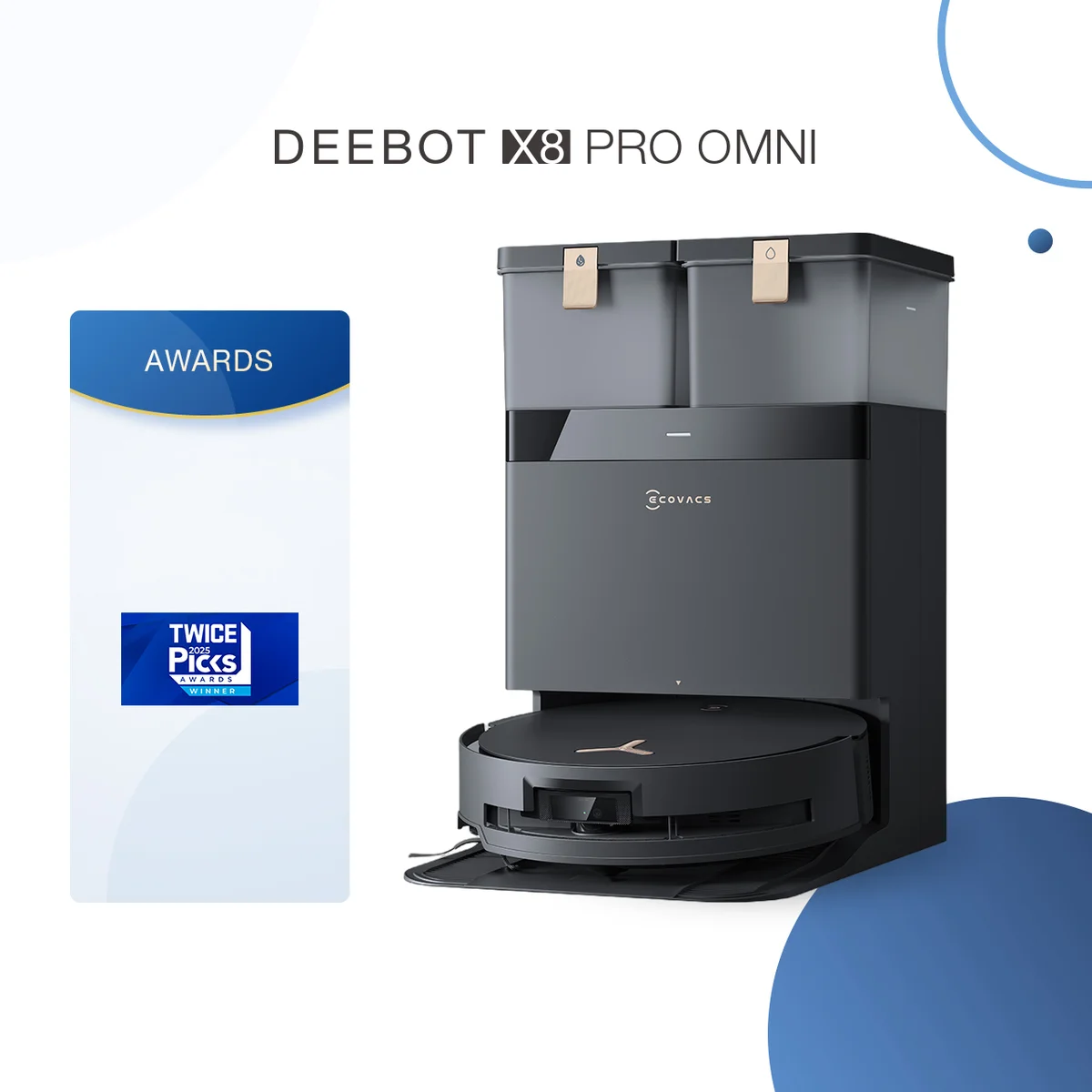
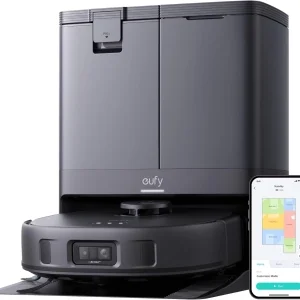
Mopping is the feature buyers add to the cart and the feature they stop using first. The honest version, laid out by TechRadar and Vacuum Wars: the mop systems break into three tiers. A dragged damp pad (common on sub-$400 combos) is a wet wipe on wheels. Dual spinning pads with downward pressure, found on the Roborock Qrevo Master and Eufy Clean X10 Pro Omni, actually scrub and handle light dried spots. Roller or track mops that constantly re-wet and squeegee, like the one on the Ecovacs Deebot X8 Pro Omni, keep applying clean water instead of smearing dirty water around, which is the strongest approach for sticky messes.
None of them replace a bucket and a mop for anything sticky or set. What they do replace is the once-a-week maintenance wipe that most people skip. If your floors are mostly wood or tile and you want them looking less dusty day to day, mopping is worth having. If you have mostly carpet, skip it, because combo robots either make you lift the pads manually or need an auto-lift dock like the Dreame Bot L20 Ultra.
Reviewers also flag the value of docks that wash the mop pads with hot water, like those on the Dreame X40 Ultra and Roborock Qrevo Master, the Ecovacs Deebot X8 Pro Omni at an advertised 75C (167F), and the Ecovacs Deebot T20 Omni at 131F. Vacuum Wars tested hot-water docks across multiple brands and found measured water often runs well below the advertised number; the real-world benefit, they conclude, is pads that come out cleaner and dry faster rather than any sterilization claim.
Dock automation: where the money goes above $600
Below $400, you are mostly paying for the robot. Above $600, you are mostly paying for the dock. Self-emptying is now standard at that price: even the $279 Dreame D10 Plus Gen 2 ships with an auto-empty base that lasts 90 days between bag changes, and the Roborock Q5 Pro+ stretches its bin to a seven-week interval at around $379.
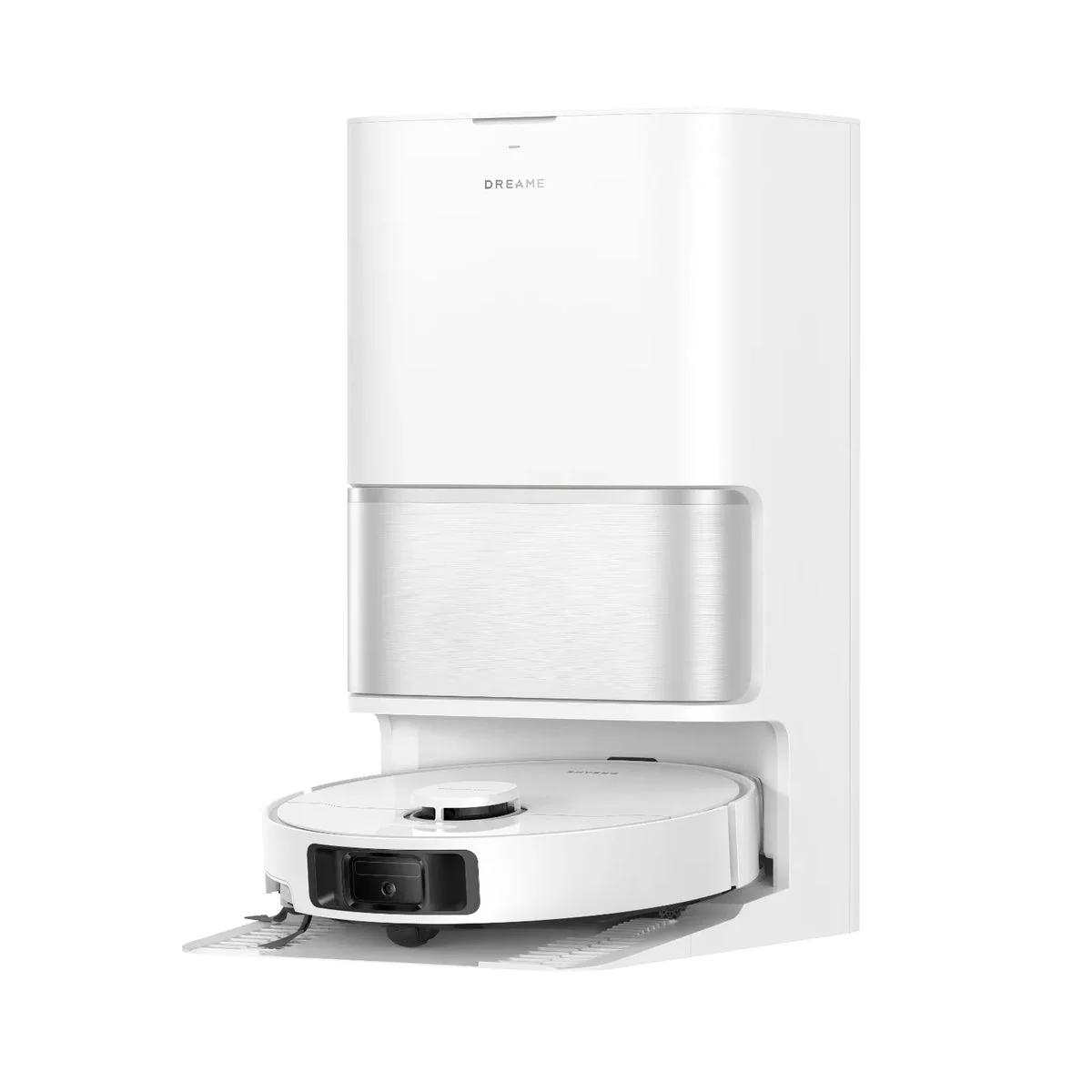
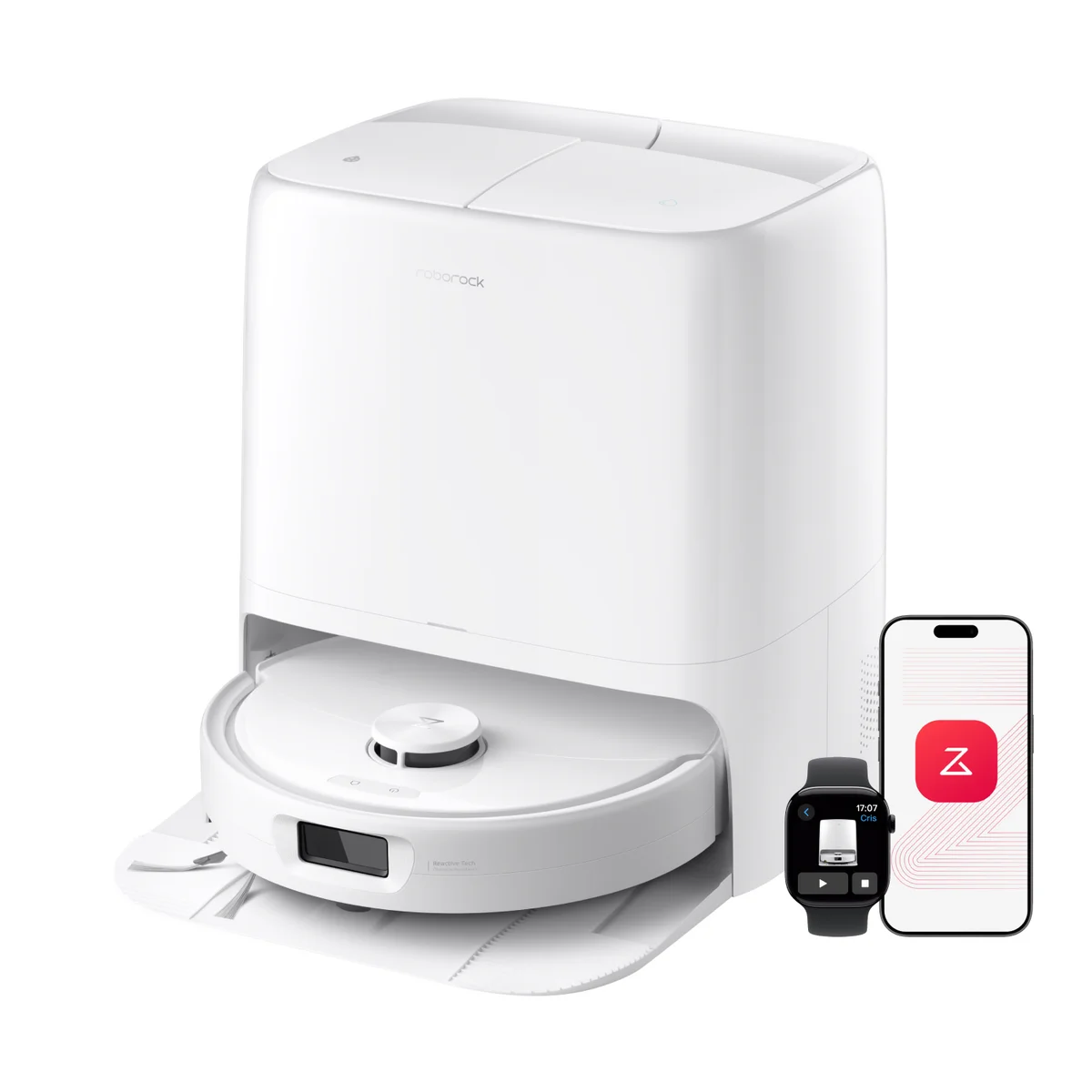
What the extra money buys is more dock jobs. A fully automated omni dock on the Roborock S8 MaxV Ultra or Ecovacs Deebot T30S Combo empties the dustbin, refills the clean-water tank, drains the dirty-water tank, washes the mop pads, and dries them with warm air. The gap between a self-emptying-only dock and a full omni dock is roughly the gap between emptying a bin every six weeks and touching the robot once a month.
Tom's Guide and Black Box Supplies both come down in the same place: the dock is what makes the robot run daily instead of dying in a cupboard. The small onboard bins fill after one or two full-home passes, and emptying them every few days is exactly the friction that kills a robot vacuum habit. The caveat, as Tom's Guide notes, is that self-emptying is not self-maintaining: the dock converts a daily chore into a monthly one, but you still rinse tanks, change bags, and occasionally descale.
| Dock type | What it does | Typical price band | Example |
|---|---|---|---|
| Basic dock only | Charges the robot, nothing more | $150 to $280 | Entry models below our top 20 |
| Self-empty only | Auto-empties bin to a bag | $279 to $450 | Dreame D10 Plus Gen 2, Roborock Q5 Pro+ |
| Self-empty plus mop wash | Adds clean/dirty water tanks, washes pads | $400 to $800 | Roborock Qrevo 2 Pro, Dreame L10s Ultra Gen 2 |
| Omni with hot water | Adds hot water wash and warm-air drying | $1,100 to $1,700 | Roborock S8 MaxV Ultra, Dreame X40 Ultra, Ecovacs Deebot X8 Pro Omni |
Pets change the hardware you need, not the spec sheet
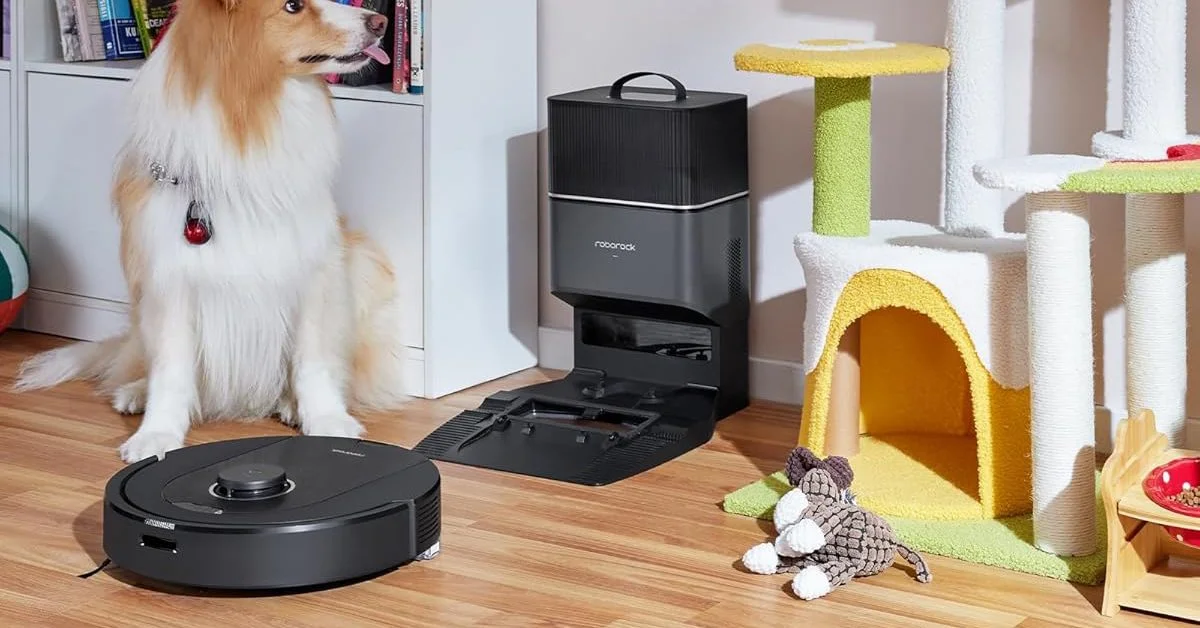
Pet hair is the single most common reason a robot vacuum dies early. Hair wraps the brushroll, the motor gets louder, the robot thinks it is clean when it is not, and the owner gives up. The fix is hardware, not Pa. Look for two specific things: a rubber or dual-roller anti-tangle brushroll, and an auto-empty dock with enough bag capacity to absorb heavy shedding without weekly attention.
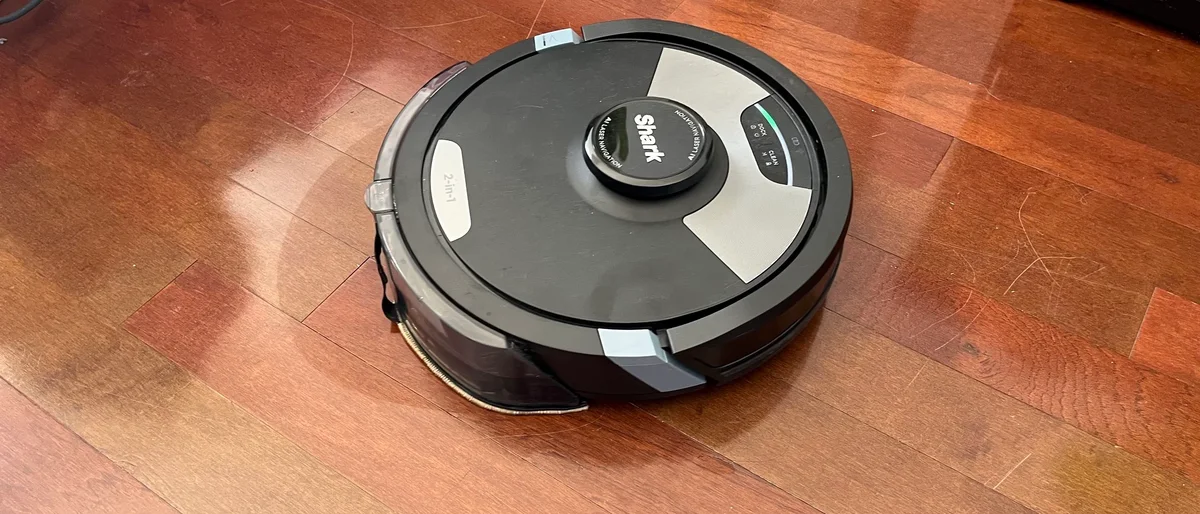
Among our ranked models, the Narwal Freo Pro carries SGS zero-tangle certification for its DualFlow system, the Narwal Freo Z10 ships with Narwal's certified tangle-free design, Shark's self-cleaning anti-wrap brushroll is called out explicitly on the Shark AI Ultra RV2610WA, and the Roborock Q5 Pro+ uses the DuoRoller pair reviewers at Vacuum Wars rate as the strongest anti-tangle brush in the budget tier.
Suction still matters on carpet, but it matters less than brushroll design when the issue is pet hair. Tom's Guide highlights Shark's anti-wrap brushroll specifically for long-haired dogs and cats, where traditional bristle brushes clog fast regardless of Pa rating. If you have one short-haired cat, almost any robot in our top 20 works. If you have a golden retriever or two long-haired cats, filter first for an anti-tangle brush, then look at suction.
Mapping the price tiers to real use cases
The $300 to $1,000 band is where value peaks in 2026, per Vacuum Wars and our own robot vacuum rankings. Below $300, you are buying a vacuum-only robot with LiDAR but a basic dock. Between $400 and $800, you get full omni automation, strong suction, and competent mopping. Above $1,000, you are paying for incremental dock features, flagship warranties, and the latest AI avoidance.
A useful sanity check: the Dreame L40 Ultra Gen 2 and Eufy Clean X10 Pro Omni both land at $499 with LiDAR plus AI cameras, mop-vacuum combos, and self-emptying docks. The Roborock S8 MaxV Ultra at $1,699 adds ReactiveAI 3.0 obstacle recognition, a vibrating mop pad, and a slightly larger dustbin. Whether that extra $1,200 is worth it depends almost entirely on whether your floors demand the higher ceiling of obstacle recognition, not on the raw cleaning numbers.
| Budget | What you can expect | Good match for |
|---|---|---|
| Under $300 | LiDAR mapping, vacuum-only or weak mopping, basic or self-empty dock | Small apartments, mostly hard floor, no pets or one short-haired pet. See Dreame D10 Plus Gen 2. |
| $300 to $600 | Strong LiDAR, mop-wash dock, decent AI avoidance, 10,000 Pa class suction | Mixed-floor homes under 2,500 sq ft, moderate shedding. See Dreame L10s Ultra Gen 2, Roborock Qrevo Pro. |
| $600 to $1,000 | Full omni dock, often hot-water wash, 15,000 to 20,000 Pa, long runtime | Large homes, mixed flooring, long-haired pets. See Roborock Qrevo 2 Pro, Narwal Freo Pro. |
| $1,000 and up | Flagship AI avoidance, best-in-class mop systems, longest warranty option | Allergen-sensitive or pet-heavy homes wanting hands-off operation. See Dreame X40 Ultra. |
Can a robot vacuum replace a regular vacuum?
Not entirely, and anyone selling you a flagship as a full replacement is overpromising. Reviewers at TechRadar, Tom's Guide, and Ideal Home all converge on the same answer: a robot vacuum replaces daily maintenance on hard floors and low-pile rugs. It does not replace a stick or upright for stairs, upholstery, car interiors, cobwebs, or deep-pile cleaning after a party.
The honest math is that a good robot plus a lightweight stick vacuum covers more of a home than either one alone, and probably covers it better than a single $600 upright that stays in the closet because it is heavy to drag out. If you have hardwood floors and run a robot daily, you will reach for a stick vacuum every week or two. If you have mostly thick carpet, the robot is a supplement, not a replacement.
The short version
Work the four decisions in order and the shortlist collapses quickly. If your floors are mostly hard and you have no pets, a $280 to $500 LiDAR robot like the Dreame D10 Plus Gen 2 or Dreame L40 Ultra Gen 2 is enough. If you have mixed flooring and you want mopping to be genuinely useful, step up to a dual-spinning or roller mop with hot-water dock wash, like the Ecovacs Deebot X8 Pro Omni at around $1,100 or the Roborock Qrevo Master at around $1,600. If you have heavy-shedding pets, filter first for an anti-tangle brushroll and HEPA filtration, then for suction. If you want the robot to disappear into the background of your week, pay for a full omni dock. The price tier follows from those choices, not the other way around.
See Best Robot Vacuums of 2026, Top 10 RankedQuestions people ask
How do I know which robot vacuum is right for my home?+
Work four decisions in order: floor type (hard vs carpet, and what pile), whether you want mopping, how much dock maintenance you will tolerate, and whether you have shedding pets. The combination narrows a 20-model list to two or three. Our best robot vacuums of 2026 list is grouped by those use cases.
What is the difference between cheap and expensive robot vacuums?+
Below $300, you usually get LiDAR mapping, basic obstacle avoidance, and a simple dock. Above $1,000, you get stronger suction for carpet, AI-based object recognition for cables and pet waste, a vibrating or spinning mop with hot-water dock wash, and a dock that handles water tanks and mop pads automatically. The core suction gap on hard floors is small; the gap in how little attention the robot needs is large.
Do I need LiDAR or is camera navigation fine?+
In 2026, LiDAR is the baseline for any robot worth buying. Camera-only navigation struggles in low light and requires more corrections. The real question is LiDAR alone versus LiDAR plus a camera for object recognition. If your floors routinely have cables, toys, or pet waste on them, pay for the camera. If they are mostly clear, LiDAR alone works.
Is a self-emptying dock worth the extra cost?+
Yes for most buyers, per reviewers at Tom's Guide. The small onboard bin fills in a run or two, and the friction of emptying it is what kills the daily habit. Self-empty bases now start around $280, which is cheap compared to the chance you will stop running the robot in a month.
What robot vacuum is best for carpet versus hard floors?+
For carpet-heavy homes, prioritize at least 8,000 Pa suction (15,000 Pa for genuinely thick pile), a rubber anti-tangle brushroll, and automatic carpet detection with suction boost. The Dreame L40 Ultra Gen 2 at 25,000 Pa and Roborock Qrevo 2 Pro at 20,000 Pa both sit comfortably above those thresholds. For mostly hard floors, nearly any LiDAR robot works; spend the budget on mopping and dock automation instead of on raw suction.
How much should I spend on a robot vacuum?+
The value peak is $300 to $1,000 in 2026. That range covers LiDAR, AI object avoidance, hot-water mop wash, and strong suction depending on tier. Under $300 is fine for small hard-floor homes. Above $1,000 makes sense if you have pets, mixed flooring, or you want flagship obstacle recognition and the longest warranty available.
Can a robot vacuum replace a regular vacuum?+
For daily maintenance on hard floors and low-pile rugs, yes. For stairs, upholstery, cars, thick carpet, or ground-in dirt, no. The consensus from TechRadar and Tom's Guide is that most homes still want a lightweight stick vacuum for the jobs the robot cannot reach.
Does more suction (Pa) always mean better cleaning?+
No. Suction matters on carpet, where you want at least 8,000 Pa for anything above low pile per Robotin. On hard floors, anything above 4,000 Pa picks up visible debris, and brushroll design, side brushes, and edge coverage matter more than the raw Pa number.
Sources
What this guide is based on. We research from published specifications, independent reviews and owner reports; we did not test these products ourselves.
- 1.Best robot vacuum 2026, TechRadar
- 2.The best robot vacuums in 2026, tried and tested, Tom's Guide
- 3.Top 20 Best Robot Vacuums in 2026, Vacuum Wars
- 4.Robot Vacuum Buyers Guide 2026, Vacuum Wars
- 5.LiDAR vs Camera Robot Vacuum: Which Is Better?, Narwal
- 6.Robot Vacuum Mapping Explained (2026), Eureka
- 7.Are robot vacuums with self-emptying bases worth it?, Tom's Guide
- 8.Is a Self-Emptying Robot Vacuum Worth It?, Black Box Supplies
- 9.Hot Water Mop Washing Docks: Claims vs Real-World Tests, Vacuum Wars
- 10.Robot Mop Types Explained: Spinning vs Roller vs Vibrating, Vacuum Wars
- 11.Can a robot vacuum effectively mop your floors, too?, TechRadar
- 12.Best Robot Vacuum for High Pile Carpet (2026), Robotin
- 13.Best Robot Vacuum for Thick Carpet 2026, Robot Vac Hub
- 14.The Best Robot Vacuum For Pet Hair, Vacuum Wars
- 15.Top Robot Vacuums for Any Budget (Late 2025), Vacuum Wars
- 16.Can a robot vacuum replace your existing vacuum cleaner?, TechRadar
- 17.Are robot vacuums worth it? Here's what you need to know, Tom's Guide
- 18.7 things I wish I knew before buying a robot vacuum cleaner, Ideal Home
Products mentioned
More on robot vacuums
Explainer
Robot Vacuum Dock Features Explained: Self-Empty to Auto-Refill
What each dock layer (self-empty, auto-wash, hot water, auto-refill, auto-dry) actually removes from your chore list, what it costs, and what you still maintain.
Explainer
Does Robot Vacuum Mopping Actually Clean, or Is It Just a Wet Wipe?
What robot mopping really does, how vibrating, spinning and roller pads compare, and when you still need a real mop.
Explainer
Robot Vacuum Suction Pa Numbers Explained: What They Measure and Why They Don't Tell the Whole Story
A plain-language explainer on what a robot vacuum Pa rating actually measures, why numbers have ballooned without better cleaning, and how much Pa you really need for hard floors, carpet, and pet hair.