Explainer
OLED Burn-In on Portable Monitors: What the Real Risk Is
What long-term tests and reviewers actually report about OLED burn-in on portable monitors, when to worry, when to shrug, and when IPS is the calmer buy.
Updated November 11, 2026 · Based on 12 sources · How we research
If you use a portable monitor as a second productivity screen eight or more hours a day, with Slack pinned, a spreadsheet toolbar locked in place, and the Windows or macOS dock always visible, OLED burn-in is a real concern worth thinking through. It is not the catastrophe forum threads describe, and it is not a non-issue despite what some glowing reviews imply. The thing most buyers get wrong is treating it as a yes-or-no question. It is a workload question: how many static hours, at what brightness, with what care features switched on. This guide walks through what the long-term tests actually show, what pixel shifting does and does not do, and when IPS is the calmer buy for all-day desk work.
What OLED burn-in actually is on a portable panel
Every OLED pixel emits its own light. Drive a given pixel at high brightness for many hours showing the same color, and its organic emitter ages faster than its neighbors. When the neighbors eventually catch up, the aged pixels show up as a faint ghost of whatever was there: a taskbar silhouette, a Slack sidebar, a bright document ribbon. Blue subpixels wear fastest, which is why high-contrast white interface elements and bright HUDs trigger visible wear before darker content does. Tom's Hardware describes the mechanism as cumulative and tied directly to how many hours the same bright shape stays in the same place.
The long-running burn-in tests from Monitors Unboxed and TechSpot and RTINGS mostly run on 27 to 32 inch desktop panels, not portables. That cuts in two directions. Portable OLEDs are smaller (14 to 16 inches) and often used in bursts: a hotel desk, a client site, a cafe, which spreads cumulative hours over fewer static elements than a 10 hour workday at a dock. On the other hand, portables are usually driven at whatever brightness the owner sets once because the OSD is awkward to reach. The physics of pixel aging do not change between a desk monitor and a portable. The use pattern does.
What the long-term tests actually show
The most-cited data set is Monitors Unboxed's long-term test of an MSI MPG 321URX QD-OLED. PC Gamer reports that after roughly 6,500 hours across two years of worst-case desktop use, with Windows in light mode and few OLED-friendly habits turned on, early icon-shaped burn-in had appeared along the taskbar area as faint shadows. The earlier 21-month update summarized by Notebookcheck found the first visible marks on gray test slides before they became readable in normal content, with the test concluding that an average gamer should expect three to four years of problem-free use.
A separate real-world account at Tom's Hardware tracked an OLED monitor through 2,656 hours of mixed office and gaming use over nine months. With pixel shift on and the panel allowed to run its compensation cycles, the author reported no substantial burn-in in normal content, only faint traces visible on gray test slides. The two findings are not in conflict: the Monitors Unboxed setup deliberately holds static productivity content on screen with no mitigations; the Tom's Hardware account does not.
RTINGS separately ran roughly 100 TVs continuously on a news channel with a persistent ticker to force failure modes. At around 7,200 hours of that worst-case static exposure, OLEDs showed visible image retention from the ticker position, though they remained the most reliable panel type on the test overall. Those are TV panels rather than portable monitors, but the mechanism and the numbers line up with monitor data: thousands of hours of the same bright shape, at high brightness, is what it takes to produce clearly visible wear.
| Accumulated static hours | What reviewers observe | Workload that gets you there |
|---|---|---|
| Under 300 | No visible burn-in | Travel use, occasional second screen |
| About 2,500 | Faint marks on gray test slides only | Nine months of mixed office work and gaming per Tom's Hardware |
| About 4,500 to 6,500 | Visible taskbar or sidebar outlines in normal content | One to two years of static productivity use with light-mode Windows per Monitors Unboxed |
| About 7,000+ | Clear retention of static shapes on continuous-static panels | RTINGS 24/7 news-ticker exposure |
Who should actually worry, and who should not
The pattern across every long-term test and owner report is the same. Mixed-content users, gamers, travel users and mobile creatives who pull the monitor out for three to five hour stretches rarely see burn-in inside a reasonable ownership window. Notebookcheck concludes an average gamer should expect three to four years of use before burn-in becomes a visible problem. That matches the use pattern targeted by the ASUS ZenScreen Duo OLED MQ149CD, a dual-panel OLED aimed at on-location color review where the typical session is bursty and content-varied.
The other population is different. If your laptop lives at a dock and the portable sits next to it ten hours a day with Outlook open, a Jira board docked, and a static dashboard on the second half, you are the target demographic for burn-in. In Monitors Unboxed's long-term test summarized by PC Gamer, that exact pattern, light-mode Windows with a persistent taskbar, is what produced the clearest visible wear. If that is your workload, OLED is still usable but IPS is the calmer buy.
What pixel shift, logo dimming and panel refresh really do
Pixel shift nudges the entire image a pixel or two in different directions every few minutes so that static edges do not sit over the exact same subpixels for hours. It is cheap to implement and effective at delaying the onset of visible burn-in, but it does not reverse wear that has already happened. Logo dimming lowers the brightness of bright static patches the firmware can detect, like a station bug or a stationary window title.
The more important feature is the panel refresh, also called pixel refresh or compensation cycle. During this cycle the display measures the brightness of every pixel against a reference and adjusts drive current per pixel so the whole panel stays uniform as wear accumulates. On most modern OLED monitors a short cycle runs automatically after a few hours of cumulative use, and a longer cycle runs after larger cumulative thresholds. TFTCentral notes that these care features are precisely why Asus, MSI and others felt able to extend burn-in warranty cover on OLED monitors, and that MSI recommends the OLED Care Panel Protect routine after cumulative usage over four hours.
Not every portable OLED exposes the same care features as desktop OLED monitors. Check the manual before counting on a specific routine; the on-screen OSD on a portable may not expose a long pixel refresh the way a desktop monitor does.
Brightness is the lever most people ignore
Pixel wear scales roughly with luminance. PC Gamer covers the finding that the gains from newer, more robust OLED materials have largely been offset by manufacturers pushing peak brightness higher. Translated to a portable OLED sitting on a hotel desk: 400 nits is comfortable outdoors near a window; it is overkill indoors and it is actively burning through your blue subpixel budget if it stays there all day.
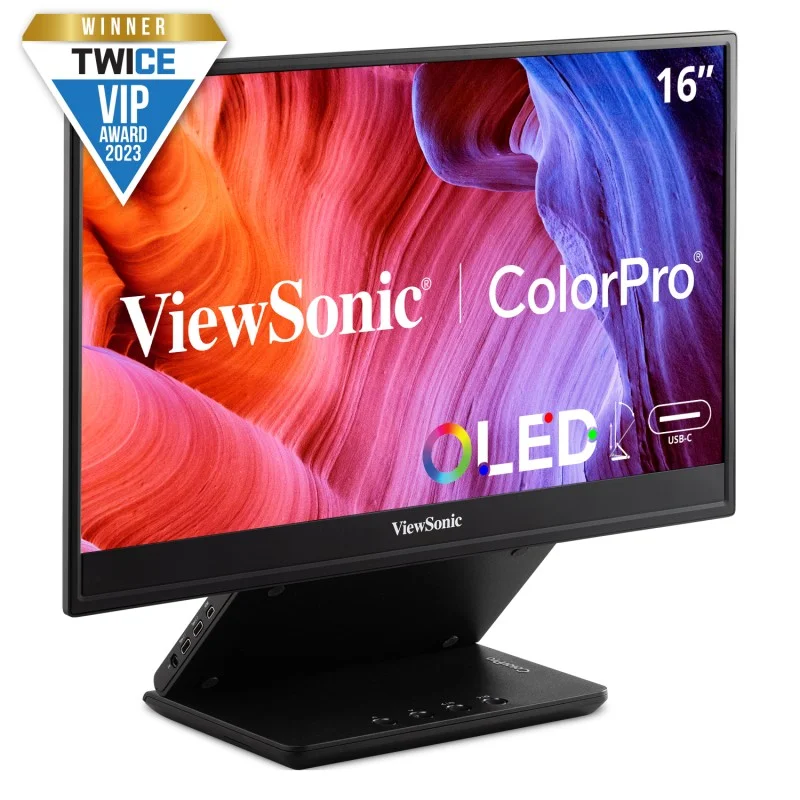
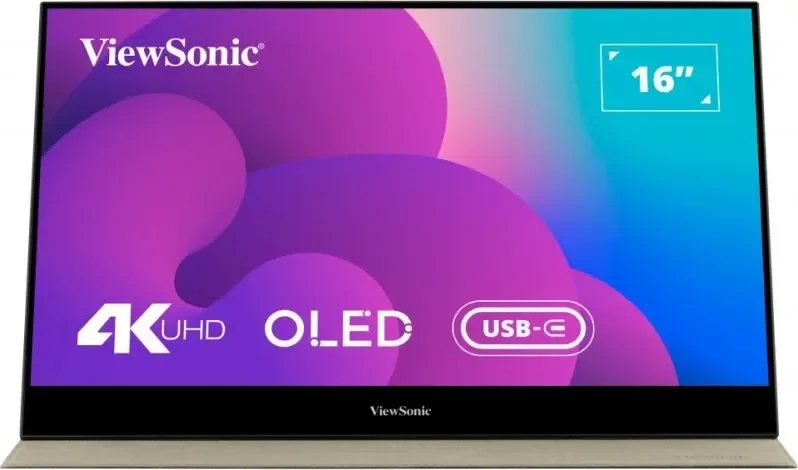
The ViewSonic VX1655-4K-OLED, ViewSonic ColorPro VP16-OLED and UPERFECT BE156NF are all 350 to 400 nit OLED portables, which is modest by current desktop OLED standards and helpful for longevity. The UPERFECT GR16HQ pushes 500 nits for mobile gaming, which is fine for the use case (varied bright content, short sessions) and much riskier if someone treats it as a desk-bound second screen. Operating at around half brightness roughly halves the per-hour pixel stress, which is the single biggest lever an owner has.
OLED vs IPS portable: the honest comparison for heavy daily use
IPS does not burn in. It ages: the LED backlight dims slowly, polarizers and color filters drift a little, dead pixels can appear, but there is no mechanism that maps a static UI into a permanent image. Most IPS portable panels carry a quoted LED-backlight life around 30,000 to 50,000 hours to half brightness, which is long enough that they are typically retired for other reasons first. OLED portables are specced closer to 30,000 hours to half brightness under ideal conditions, with the extra variable that uneven subpixel aging shows up well before the overall panel is halfway dim.
For eight-plus hours a day of static spreadsheet, document and dashboard work, the calmer buy is IPS. The Espresso 15 Pro is a 550 nit 4K IPS with 100 percent Adobe RGB coverage, the KYY K5 is a 4K IPS with the same Adobe RGB target under $300, the Lenovo ThinkVision M14t Gen 2 and Dell P1424H cover the business-travel case with enterprise warranties, and the ASUS ZenScreen MB16QHG hits 100 percent DCI-P3 on an IPS panel with 120 Hz for creative work. If the attraction to OLED is color accuracy and black levels, a factory-calibrated wide-gamut IPS gets you most of the way for productivity without the burn-in question.
For bursty mixed use, travel, color review on location, photo and video work, and mobile gaming, OLED earns its place. The infinite contrast, 1 ms class response, and Delta E below 2 that reviewers measure on panels like the ASUS Duo and the ViewSonic VP16-OLED are real advantages that IPS cannot match. Our full stack of options is laid out in Best Portable Monitors of 2026.
Warranties are a mixed bag: read the fine print before you buy
Desktop OLED monitors have converged on burn-in-inclusive warranties. Tom's Hardware summarizes the current state: LG covers burn-in for two years on US UltraGear OLEDs, Samsung for three years on current Odyssey OLEDs, and Asus and MSI have both pushed burn-in cover up to three years on newer OLED monitors. BGR adds Dell/Alienware and Corsair in the three-year group, and FlatpanelsHD notes Gigabyte went to four years on the Aorus FO27Q28G flagship. These are meaningful because burn-in used to be the single explicit exclusion on OLED warranties.
Portable OLEDs are the laggards. Tom's Hardware's review of the ViewSonic VX1655-4K-OLED and Serious Insights flag that ViewSonic's three-year limited warranty on the VX1655-4K-OLED excludes damage caused by static images displayed for lengthy periods, which is the standard way manufacturers write around burn-in. Before counting on warranty coverage for any portable OLED used as a productivity screen, read the warranty document and look specifically for the words burn-in, permanent image retention, or static image damage.
How to use an OLED portable monitor safely as a second productivity screen
The habits that reduce burn-in risk are small individually and add up to a meaningful difference in cumulative stress. None of them require an app or a utility.
The practical point is that the owner who sees burn-in in two years and the owner who does not are not usually on different panels. They are on different habits.
- Drop brightness to the lowest comfortable level indoors; 150 to 200 nits is plenty for text, well under the 400 nit peak on most current portable OLEDs.
- Switch the OS, your IDE, and your document apps to dark mode. Bright white backgrounds behind static UI are the worst case for blue subpixel aging.
- Auto-hide the Windows taskbar or macOS dock when the portable is the second screen. That one setting removes the most commonly reported burn-in shape.
- Set the display to sleep after five minutes of inactivity, and let the monitor stay in that state rather than pulling USB-C when you walk away.
- Do not interrupt a long panel refresh cycle. When the monitor prompts it, let it run to completion.
- Vary what is on the screen. If a dashboard sits in the exact same window position for 10 hours, drag it, swap monitors, or move the window every couple of hours.
The short version
OLED burn-in on a portable monitor is a workload problem, not a defect. Buyers who pull the panel out for travel, creative review, gaming or mixed desk work can treat it as a low concern with normal care, and models like the ASUS ZenScreen Duo OLED MQ149CD, ViewSonic VX1655-4K-OLED and UPERFECT BE156NF are easy recommendations for them. Buyers who will dock a portable at a desk for eight to twelve static hours a day with the taskbar always on screen should go IPS: the Espresso 15 Pro for color-critical work, the KYY K5 for a wide-gamut 4K under $300, the Lenovo ThinkVision M14t Gen 2 or Dell P1424H for business travel with enterprise warranties. Full comparisons live in Best Portable Monitors of 2026.
See Best Portable Monitors of 2026Questions people ask
Will my OLED portable monitor get burn-in?+
If you use it in bursts for travel, creative review or gaming, probably not inside a normal ownership window. A reviewer at Tom's Hardware logged 2,656 hours of mixed office and gaming use with only faint marks on gray test slides. If you dock it as an eight-plus hour static productivity screen at high brightness, visible burn-in is likely within one to two years.
Is OLED safe for all-day spreadsheet and document work?+
It is usable but it is the highest-risk workload for the technology. The long-term test summarized by PC Gamer showed taskbars as the first place burn-in appeared under light-mode Windows use. For eight-hour-plus static work, IPS is the calmer choice unless you commit to dark mode, auto-hiding the taskbar, low brightness and regular panel refresh cycles.
How long does an OLED portable monitor last before burn-in?+
Manufacturer specs put OLED lifespan at roughly 30,000 hours to half brightness. In practice, Notebookcheck's summary of the Monitors Unboxed test concludes an average gamer should see three to four years of problem-free use, while continuous static productivity use at high brightness can produce visible wear inside one to two years.
Does pixel shifting actually prevent OLED burn-in?+
It delays visible onset. Pixel shift moves the image a pixel or two periodically so static edges do not sit on the same subpixels indefinitely. The more important feature is the panel refresh cycle, which per-pixel compensates for uneven wear. Neither reverses damage that already exists; together they meaningfully extend usable life, which is why desktop OLED warranties have expanded to cover burn-in (TFTCentral).
Should I avoid OLED if I use a portable monitor as a second productivity screen?+
If productivity means bursty use in hotels and coffee shops with varied content, no, OLED is fine. If it means docking the monitor at your desk every workday with a static taskbar, sidebar and dashboard on screen for eight-plus hours, yes, pick IPS. The Espresso 15 Pro, KYY K5 and ASUS ZenScreen MB16QHG are all wide-gamut IPS options without the burn-in question.
OLED vs IPS portable monitor, which lasts longer with heavy daily use?+
IPS, under heavy static daily use. IPS has no burn-in mechanism and most portable IPS panels last 30,000 to 50,000 hours to half backlight brightness. OLED is specced similarly but accumulates visible uneven wear long before the overall panel is halfway dim when the workload is static. For varied content and shorter sessions the gap closes to irrelevance.
Does the ViewSonic VX1655-4K-OLED cover burn-in under warranty?+
No. ViewSonic's warranty on the monitor runs three years on parts, labor and backlight, but the terms exclude damage caused by static images displayed for lengthy periods, which is how the industry writes around burn-in. Tom's Hardware and Serious Insights both flag this in their reviews. Check any portable OLED's warranty document for that specific exclusion before buying.
Can I fix OLED burn-in once it has started?+
The long panel refresh cycle can even out uniformity in early stages by per-pixel compensating for aged subpixels, and often makes faint retention disappear. Once burn-in is clearly visible in normal content, there is no consumer-level fix: the aged emitters cannot be restored, only compensated for, and compensation has a ceiling.
Sources
What this guide is based on. We research from published specifications, independent reviews and owner reports; we did not test these products ourselves.
- 1.I've been using an OLED monitor for 2,656 hours, and I'm not scared of burn-in: Here's why, Tom's Hardware
- 2.After two years and over 6,000 hours, Monitors Unboxed's long-term OLED gaming monitor test shows increasing burn-in, PC Gamer
- 3.21-month OLED monitor burn-in test proves users shouldn't fear panel degradation, Notebookcheck
- 4.The OLED Burn-In Test: 15-Month Update, TechSpot
- 5.Longevity Burn-In Test: Updates And Results From 100 TVs, RTINGS
- 6.Tests show newer OLED TVs can still experience significant burn-in because they're much brighter, PC Gamer
- 7.Asus and MSI compete over OLED monitor burn-in warranty lengths, Tom's Hardware
- 8.Improvements in OLED Care Features Allow Manufacturers to Offer Added Burn-In Warranty Cover, TFTCentral
- 9.5 Major OLED Monitor Brands That Actually Offer Burn-In Protection, BGR
- 10.Is OLED burn-in solved? First monitor with a 4-year burn-in warranty, FlatpanelsHD
- 11.ViewSonic VX1655-4K-OLED portable monitor review: 4K OLED goodness in a slim package, Tom's Hardware
- 12.ViewSonic VX1655-4K-OLED 15.6-inch Portable Monitor Review, Serious Insights
Products mentioned
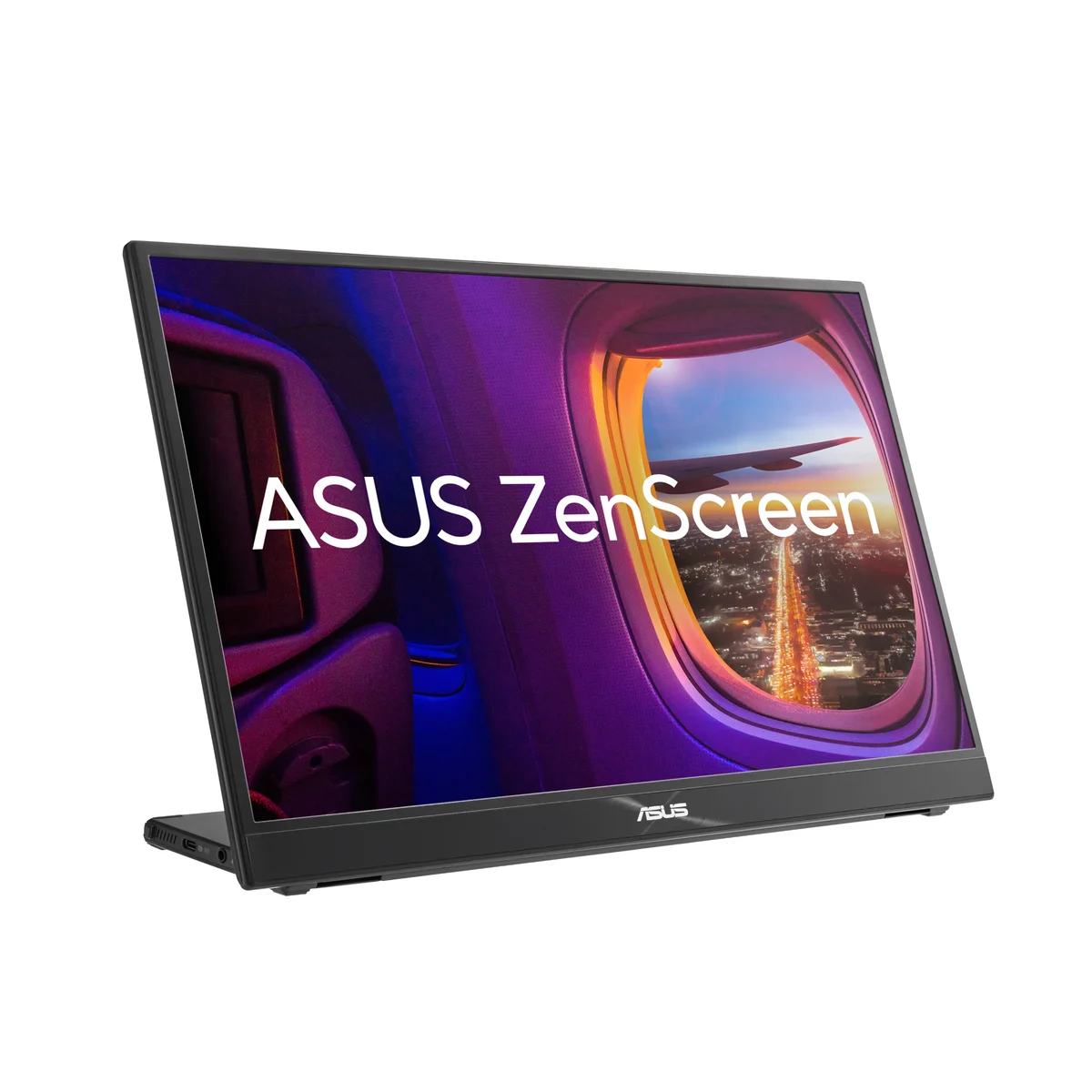 ASUS ZenScreen Duo OLED MQ149CD Foldable Portable Monitor
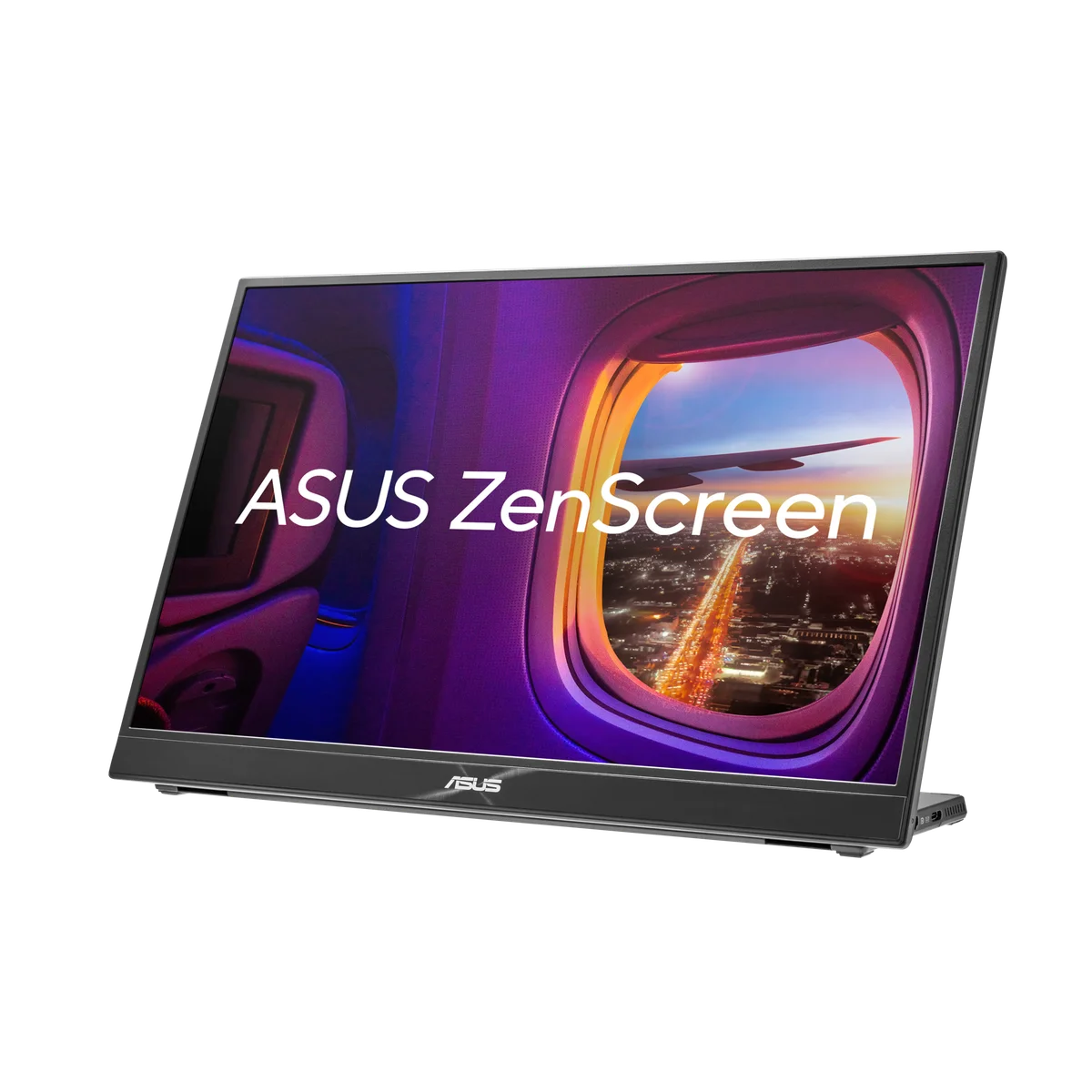 ASUS ZenScreen MB16QHG 16 Inch 120Hz QHD Portable Monitor
 Dell P1424H 14 Inch FHD Portable Monitor
 Espresso 15 Pro 15.6 Inch 4K Touch Portable Monitor
 InnoView 15.6 Inch 4K UHD IPS Portable Monitor
 KYY K5 15.6 Inch 4K Portable Monitor
 Lenovo ThinkVision M14t Gen 2 14 Inch Touch Portable Monitor
 UPERFECT BE156NF 15.6 Inch 4K OLED Portable Business Monitor
 UPERFECT GR16HQ 16 Inch 3K 120Hz OLED Portable Gaming Monitor
 ViewSonic ColorPro VP16-OLED 15.6 Inch OLED Portable Monitor
 ViewSonic VX1655-4K 15.6 Inch 4K Portable Monitor
 ViewSonic VX1655-4K-OLED 15.6 Inch 4K OLED Portable Monitor
More on portable monitors
Explainer
What DCI-P3, Adobe RGB, and sRGB Actually Mean on a Portable Monitor Spec Sheet
A plain-English decoder for the color gamut percentages on portable monitor boxes: what each standard describes, why over-100% figures mislead, and which number to trust for photo, video, or office work.
Explainer
Will a Portable Monitor Work With Your Laptop? USB-C Compatibility Explained
Many portable monitors need DisplayPort Alt Mode over USB-C, and not every USB-C port provides it. Here is how to check your laptop before you buy.
Buying guide
How to Choose a Portable Monitor
Picking a portable monitor breaks down to five trade-offs: port compatibility, size, resolution, panel type, and power delivery. Here is how to work through them with real models.